
ShortMatic Ai Blog
Guides that turn long videos into Shorts worth posting
Practical playbooks for YouTube Shorts, TikTok, and Reels — clipping, captions, hooks, and tool comparisons without virality fluff.
How to Download Your YouTube Video as MP4, Then Make Shorts
Searching for a YouTube downloader? ShortMatic lets you paste a link, save an MP4, then continue into AI Shorts or text-to-video in the same account.
Read guide →
How AI Shorts Generators Work: Long Videos to Clips
Creators waste hours hunting for the best moments. An AI Shorts generator compresses that workflow into minutes — from long upload to publish-ready Shorts.
Read guide →
How to Turn a YouTube Video into Shorts (Step by Step)
If your best content is already on YouTube, the fastest growth lever is recycling it into Shorts — not filming everything twice.
Read guide →
TikTok Clip Maker: Reels from Long Footage
TikTok and Reels reward consistency. A clip-maker workflow helps you ship more vertical videos from interviews, tutorials, and event footage.
Read guide →
Instagram Reels from Long Videos: A Complete Repurposing Guide
Your longest videos often hide the best Reels. Repurposing is faster than filming new vertical content every day — if you keep one idea per clip and caption for mute viewers.
Read guide →
How to Choose an AI Tool for YouTube Shorts in 2026
Not every “AI editor” is a Shorts machine. Here is what matters when you compare tools for daily YouTube Shorts output.
Read guide →
Podcast to Shorts: Turn Episodes into Daily Clips
Your podcast already has quotable moments. The growth bottleneck is cutting them into Shorts every week — not recording more episodes.
Read guide →
Faceless YouTube Shorts Without Daily Filming
Faceless channels still need strong hooks and captions. The unfair advantage is repurposing long sources instead of filming vertical every morning.
Read guide →
How to Add Captions to Shorts (Why It Matters)
Most Shorts viewers watch muted at first. Captions turn silent scroll into comprehension — and comprehension into watch time.
Read guide →
Repurpose Webinars into Reels and Shorts
Webinars are content goldmines: teaching moments, FAQs, and testimonials already filmed. Short-form is how you keep that value circulating after the live session ends.
Read guide →
How to Turn Long Videos into Shorts
You already filmed the hard part. The growth lever is cutting that long video into Shorts your audience can finish in under a minute.
Read guide →
YouTube Shorts Algorithm 2026: Hooks & Reach
More Shorts do not automatically create more reach. The practical goal is to earn the next second of attention, deliver one complete idea, and learn from real viewer behavior.
Read guide →
Can AI YouTube Shorts Be Monetized in 2026?
Using AI does not automatically block monetization. The real risk is mass-produced, repetitive, or reused content that does not show meaningful original value.
Read guide →
AI Content Repurposing: One Video, Many Clips
One strong recording can supply weeks of short-form content when you extract distinct ideas, adapt each clip, and publish from a planned content system.
Read guide →
Livestream Clip Maker for Shorts & Reels
Hours of livestream footage can contain reactions, answers, demonstrations, and announcements worth publishing—if you can find and frame them efficiently.
Read guide →
Course Videos to Shorts, Reels & TikTok
Your course library already contains definitions, mistakes, demonstrations, and answers that can become useful short-form content for discovery and trust.
Read guide →
How to Choose an Opus Clip Alternative for Shorts
People search “Opus Clip alternative” when auto-clipping feels expensive, opaque, or too hands-off. The useful comparison is the job: reviewable Shorts from a long video you already own.
Read guide →
How to Clip a YouTube Video for Shorts (Without a Blank Timeline)
“How to clip a YouTube video” is one of the most searched creator questions. The answer is timestamps plus a vertical crop — plus rights, captions, and a hook that works without the original video.
Read guide →
How to Get More Views on YouTube Shorts in 2026
More Shorts views come from watch time in the first seconds, not from a secret hashtag. If you already film long videos, better clips beat filming more empty hooks.
Read guide →
Zoom Recording to YouTube Shorts: Meeting Highlights That Work
Zoom calls are full of usable Shorts — and full of privacy landmines. Clip the teaching moment, not the small talk, and get consent before anything hits YouTube.
Read guide →
YouTube Shorts Ideas from Long Videos (Not Random Trends)
The highest-converting Shorts ideas are already inside your long videos. Trend templates are optional; extracting questions, mistakes, and results is the scalable system.
Read guide →
How to Choose a Vizard Alternative for Clipping
Vizard sits in the same AI-clipping category as Opus-style tools. Creators look for an alternative when they want a clearer review queue, different pricing, or less “auto-publish” pressure.
Read guide →
Twitch Clip to TikTok: VODs, Rights, and Vertical Export
Twitch already has a clip button. TikTok wants a vertical story with a hook. The gap is crop, captions, rights — and not posting someone else’s raid highlight as your own.
Read guide →
How to Make Instagram Reels from Long Videos (Step by Step)
You do not need a new shoot for every Reel. Long podcasts, tutorials, and events already contain Reels — if you cut one idea, crop vertical, and caption for mute playback.
Read guide →
How to Split a Video into Equal Parts (ZIP Download)
Need chapter files, course modules, or platform-sized chunks — not viral clips? ShortMatic’s equal Split cuts your upload into even parts and packs them into a ZIP you can download in one click.
Read guide →
Best Hooks for YouTube Shorts: Open Strong in 3 Seconds
Most Shorts fail before the idea begins. A clear hook in the opening seconds gives viewers a reason to stay—and gives you a fair test of the clip.
Read guide →
TikTok vs YouTube Shorts vs Reels: Cut Once, Package Differently
One vertical master can feed three platforms—but captions, covers, and culture differ. Learn what to reuse and what to rewrite.
Read guide →
How to Repurpose YouTube Videos into Shorts Without Losing Meaning
Repurposing is not chopping randomly. It is selecting standalone ideas from your long upload and packaging them for mobile discovery.
Read guide →
Vertical Video Aspect Ratio Guide: 9:16 Crops That Still Make Sense
Bad crops ruin good moments. Learn how to move from landscape sources to vertical frames without cutting off the subject.
Read guide →
AI Video Editor for Beginners: From Long Upload to First Short
You do not need a Hollywood timeline to ship Shorts. Start with one owned long video, AI candidates, and a strict human review.
Read guide →
Automating a Shorts Content Calendar from One Long Video
Automation should create options and a schedule—not spam duplicates. Here’s a calm calendar system for Shorts.
Read guide →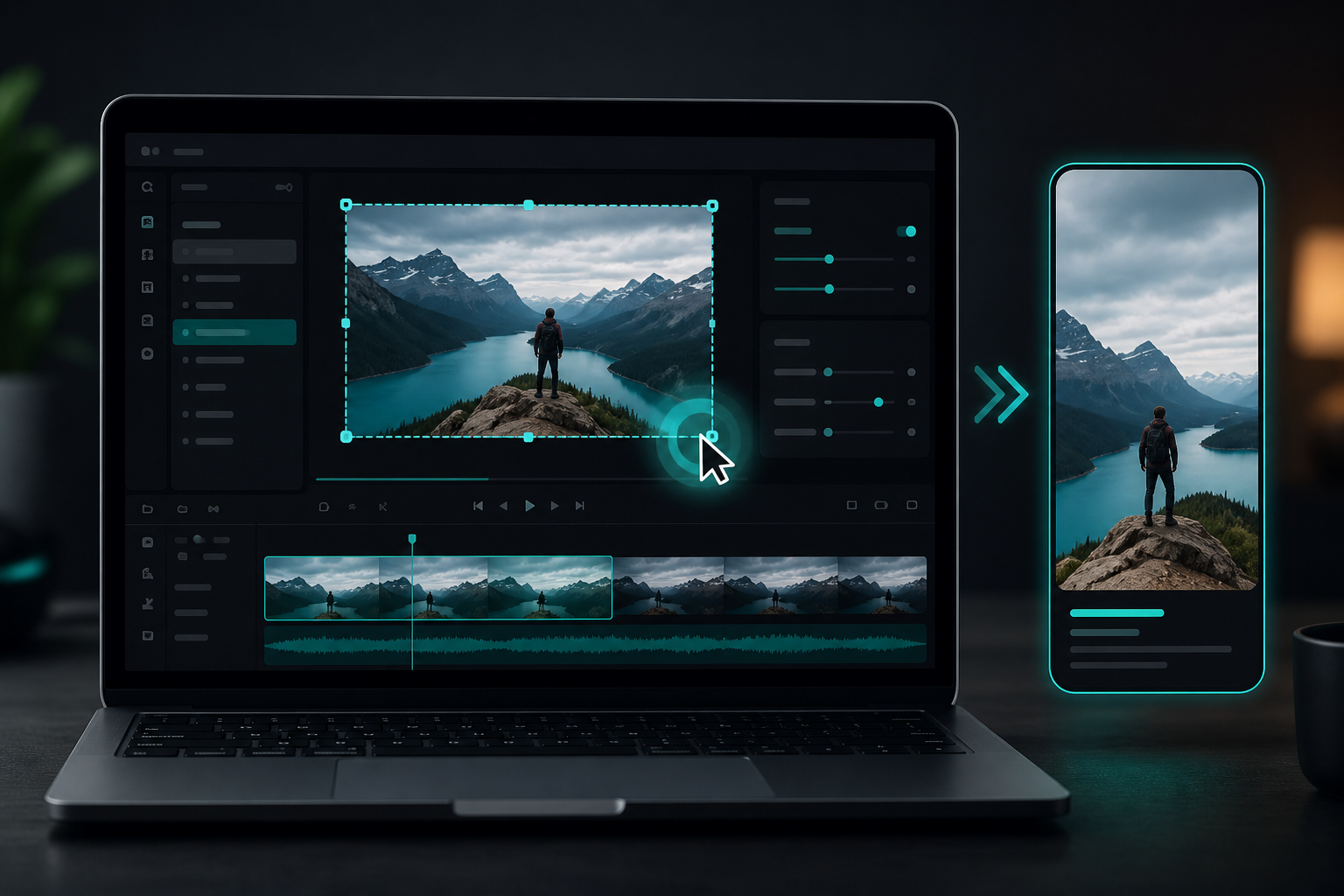
Screen Recording to TikTok: Tutorials That Still Feel Watchable
Desktop demos die on mobile when the cursor is tiny. Crop to the action, narrate the point, and caption every step.
Read guide →
Interview to Shorts Workflow: Quotable Moments Without Losing Context
Interviews are gold for Shorts—if you keep speaker identity, context, and consent clear.
Read guide →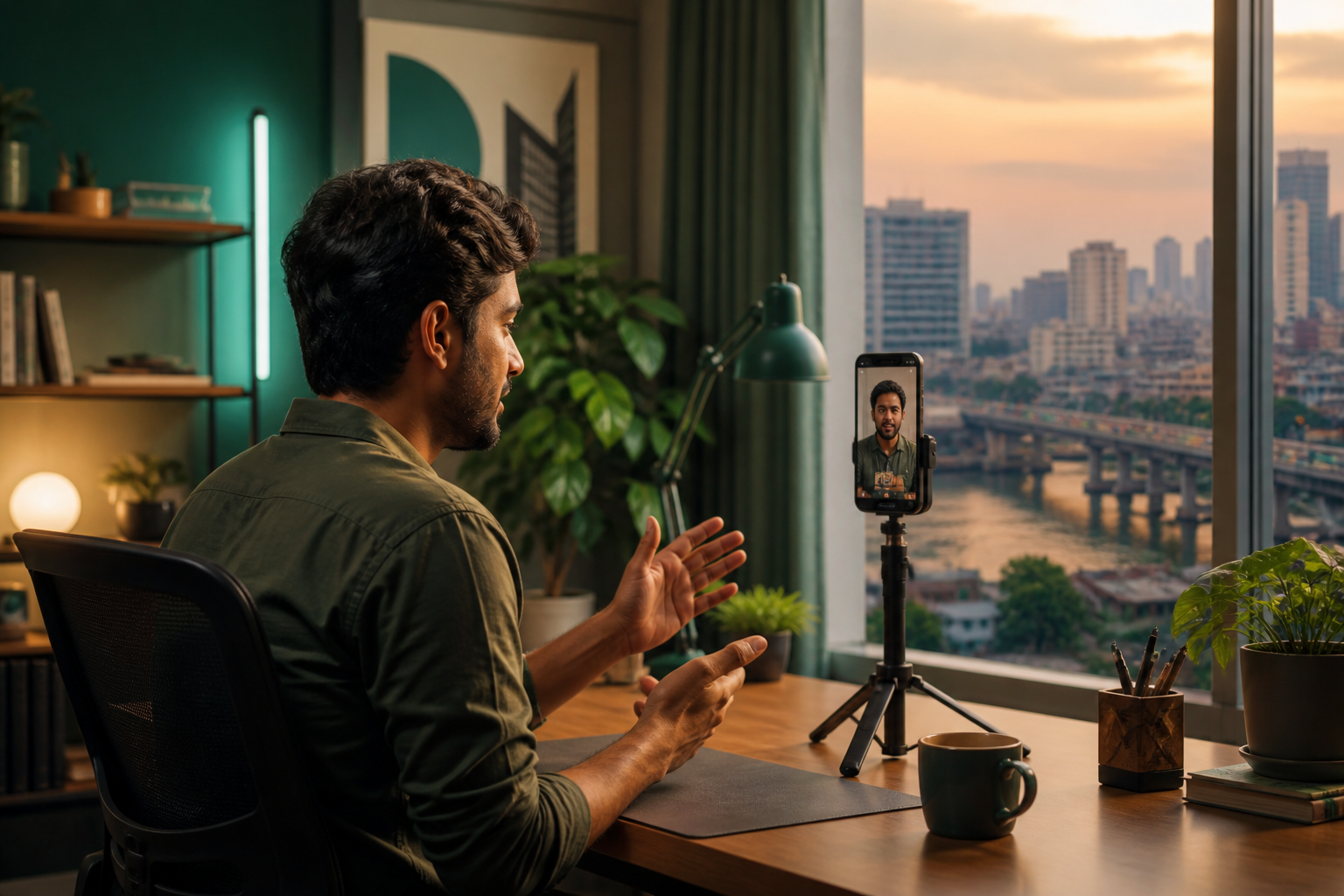
Bangla YouTube Shorts Guide: Long Videos to Vertical Clips
Bangla and Banglish speech need careful captions. Here’s a practical Shorts workflow for creators in Bangladesh and the diaspora.
Read guide →
How to Batch Create Shorts from One Master Video
Batching multiplies output only when each Short is distinct. Here’s a quality-first batch workflow.
Read guide →
Video Thumbnail Tips for Shorts: Win the First Frame
On Shorts, the first frame is often the thumbnail. Make it readable, honest, and emotionally clear.
Read guide →
Soft BGM for YouTube Shorts: Support the Talk, Don’t Drown It
Background music can add energy—or ruin clarity. Use soft beds, protect speech, and skip music when silence hits harder.
Read guide →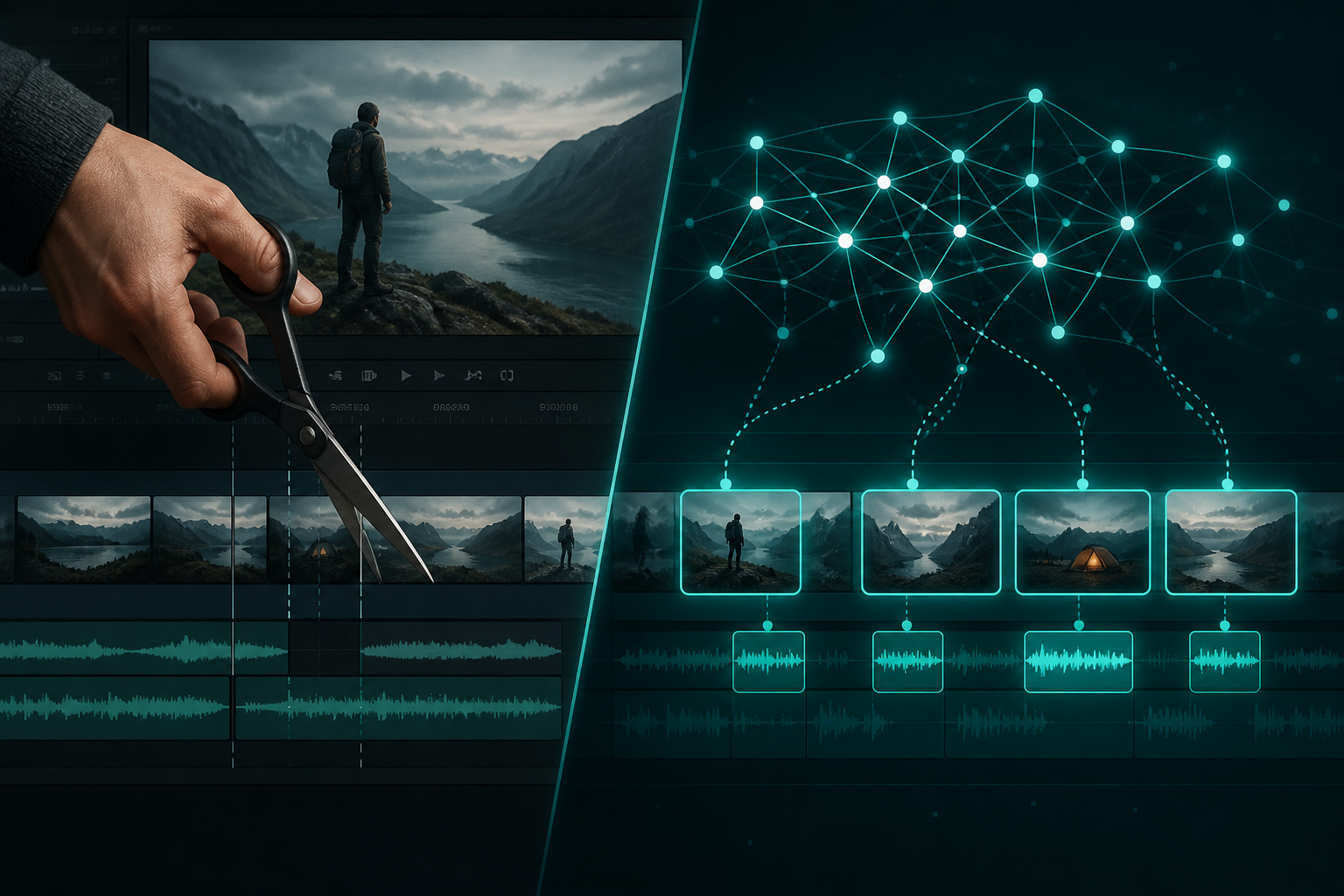
CapCut vs AI Shorts Tools: When to Clip, When to Craft
CapCut shines for custom motion. AI Shorts tools shine for finding moments inside long sources. Many creators use both.
Read guide →
Long-Form to Short-Form Content Strategy That Compounds
Strategy beats random clipping. Assign jobs to long and short videos so each format strengthens the other.
Read guide →
Social Media Video Captions: Best Practices for Muted Feeds
Most feeds start muted. Captions carry the hook—make them readable, accurate, and safely placed.
Read guide →











