
BlogGuide
Screen Recording to TikTok: Tutorials That Still Feel Watchable
Desktop demos die on mobile when the cursor is tiny. Crop to the action, narrate the point, and caption every step.
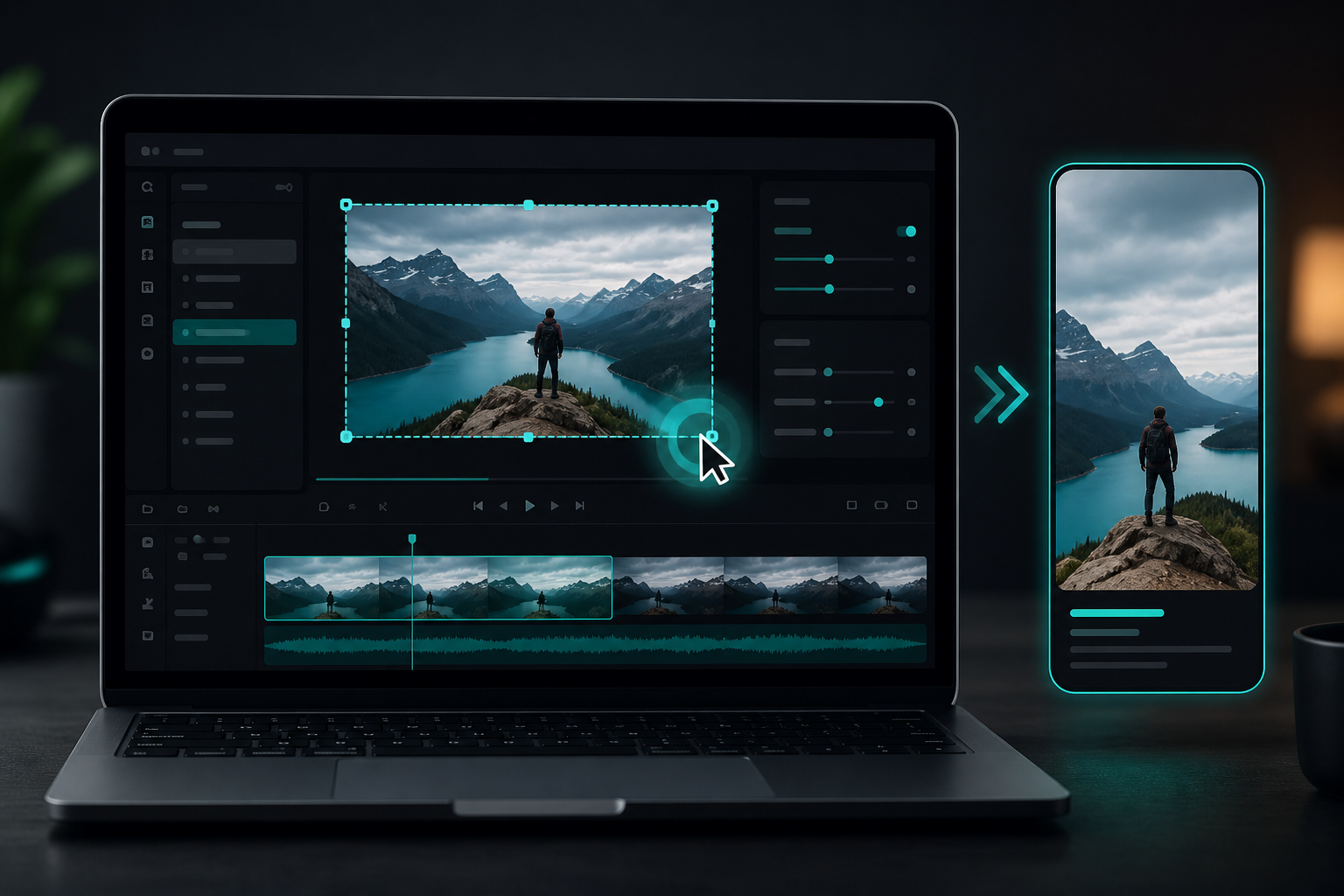
Film (or capture) for the cut
oom the UI before recording when possible. Speak the outcome early. Avoid long setup. If you already have a wide recording, crop aggressively toward the relevant panel during Shorts prep.
Editing rules for screen content
One step per Short. Large on-screen text. Captions that name the action. Cut dead mouse wandering. Export 9:16. Soft BGM optional—never louder than narration (soft BGM guide).
ShortMatic Ai can find spoken beat windows inside longer demos you own; you still verify the crop shows the UI clearly.
Rights and brand safety
Do not capture private customer data. Blur secrets. Only publish software you are allowed to show. Client work needs permission for promotional clips.
Capture settings that survive vertical crop
Screen recordings fail on TikTok when the important UI is tiny after a 9:16 crop. Record at a high resolution, zoom the relevant panel, and hide unrelated desktop clutter before you hit record. Narrate the action as you click so the audio carries intent even if a cursor is hard to see. Pause briefly between steps so edits can cut dead air later.
When the master is ready, import it into ShortMatic Ai and generate candidate windows around complete micro-lessons—one setting change, one shortcut, one before/after—not five minutes of wandering. Reject candidates that start mid-menu. Enlarge the region of interest in review so TikTok viewers can read labels without pinching the screen.
Packaging a tutorial clip for the TikTok feed
Open with the outcome on screen (“Here’s the export button”) before you explain the path. Keep captions large. Soften mouse jitter with slightly slower playback only if it remains natural. End with a single next step rather than a long soft sell. Avoid copyrighted UI sounds or music you cannot clear.
Test the export on a phone before you schedule a series. If text is still hard to read, re-record the segment zoomed in rather than hoping compression will be kind. Workflow overview: how it works. Capacity for batching tutorials: pricing.
Common questions
Is 1080p enough for TikTok tutorials?
Usually yes if the crop is tight. Clarity of UI matters more than raw resolution.
Should I show my face?
Optional. Faceless demos work when the screen action is obvious and captions carry the hook.
TikTok only, or also Shorts/Reels?
Reuse the master with platform-specific captions. See the platform comparison.
Is a full desktop recording okay for TikTok?
Usually not. Zoom into the active window or panel so UI text stays readable after the vertical crop and social compression.
Should I add face cam to every screen tutorial?
Optional. A small face cam can add trust, but only if it does not cover critical UI. Many strong tutorials work with clear screen + voice + captions alone.












