
BlogGuide
CapCut vs AI Shorts Tools: When to Clip, When to Craft
CapCut shines for custom motion. AI Shorts tools shine for finding moments inside long sources. Many creators use both.
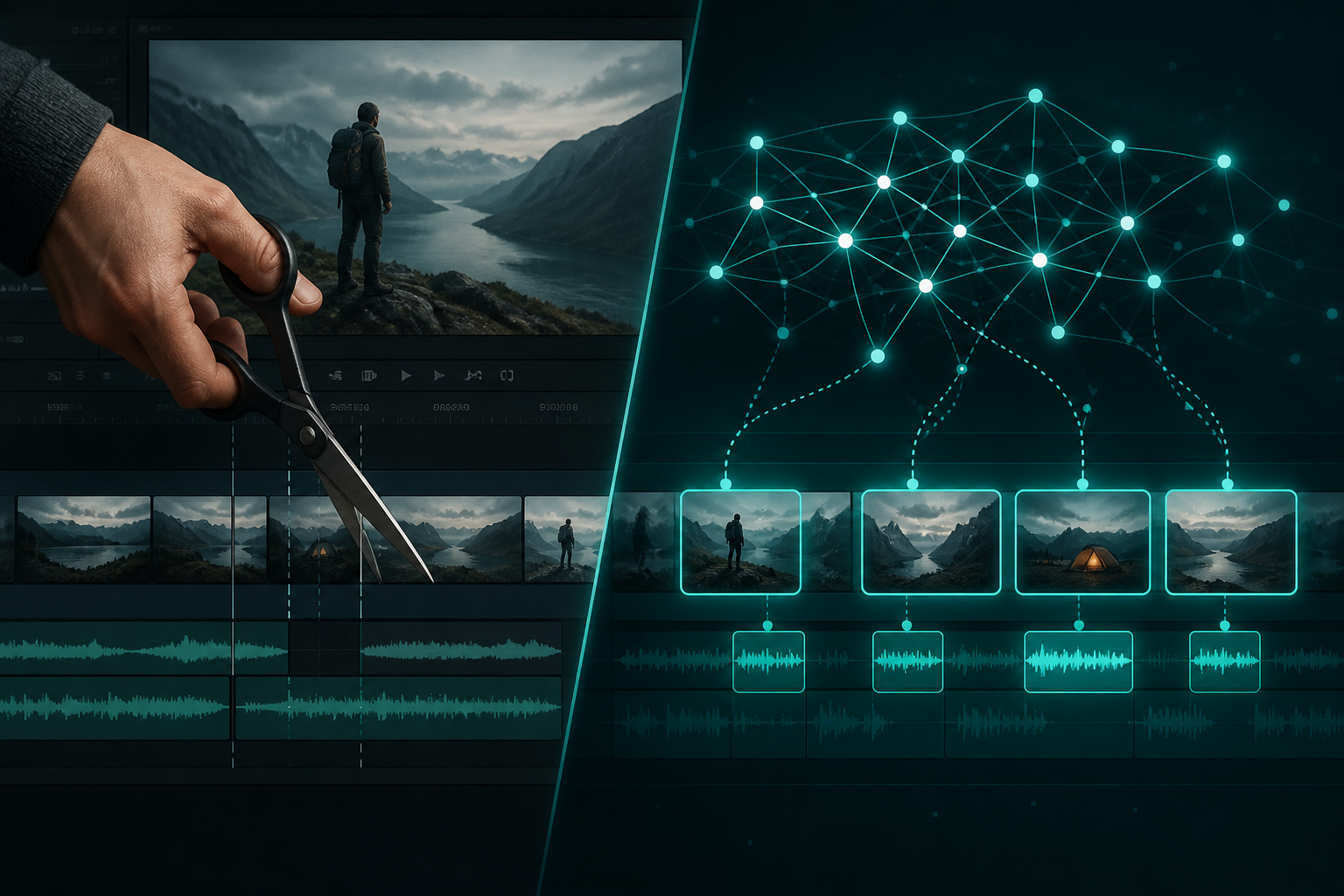
Different jobs
apCut is a deep editor: effects, keyframes, templates. AI Shorts studios prioritize candidate discovery, captions, and vertical export from long uploads. Choosing depends on your bottleneck—see also best AI tool for YouTube Shorts.
A combined workflow
Find and approve moments in ShortMatic Ai, export a clean master, then open CapCut only when you need heavy design. Most weekly posts never need that extra hour.
Cost of switching tools
Every hop risks watermarked files, lost captions, and delay. Prefer one reviewable pipeline for the default Short, and specialize only for hero posts.
Different jobs: effects timeline vs clip discovery
CapCut excels when you want precise timeline control, effects, templates, and design-heavy motion. AI Shorts tools excel when the source is already a long recording and you need a review queue of candidate moments quickly. Comparing them as if they solve the identical problem leads to bad buying decisions.
Many creators use both: generate and rough-cut candidates in ShortMatic Ai, then open a select few in CapCut for custom motion or brand kits when needed. If most of your week is finding moments in podcasts or webinars, a clip studio saves more time than another effects pack. If every post is a designed montage from scratch, CapCut may remain primary.
How to choose for your next thirty days
List your last ten posts and mark whether each started from a long file or a blank timeline. If most started from long files, prioritize a review-first AI Shorts workflow. If most were designed from assets and templates, keep CapCut central and use AI clipping only for interviews or lives.
Run one real episode through both approaches and compare hours spent and publishable quality—not marketing claims. Product steps for the clip path are on how it works. Transparent plan limits are on pricing. Avoid tools that promise guaranteed virality; no editor controls distribution.
Common questions
Is CapCut free?
CapCut offers free tiers with limits that change; always check current terms and exports.
Can AI replace CapCut?
For discovery and standard Shorts, often yes. For cinematic custom edits, CapCut (or similar) still wins.
What should beginners start with?
Start with an AI Shorts workflow so you learn hooks and review, then add CapCut for polish.
Can an AI Shorts tool fully replace CapCut?
Usually not. CapCut remains stronger for effects-heavy design. AI Shorts tools are stronger for discovering and exporting moments from long sources.
Should agencies standardize on one tool?
Standardize on a workflow: clip discovery, caption QA, then optional finishing. The stack can include more than one app if roles are clear.












